

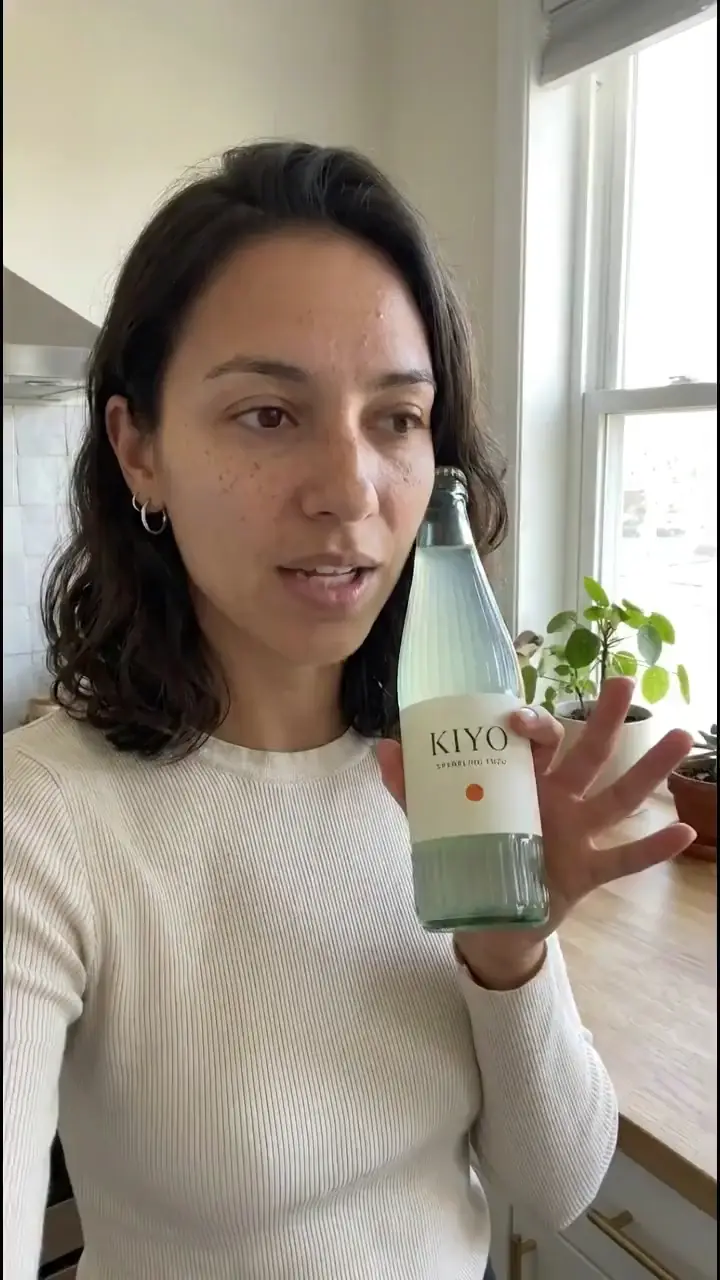
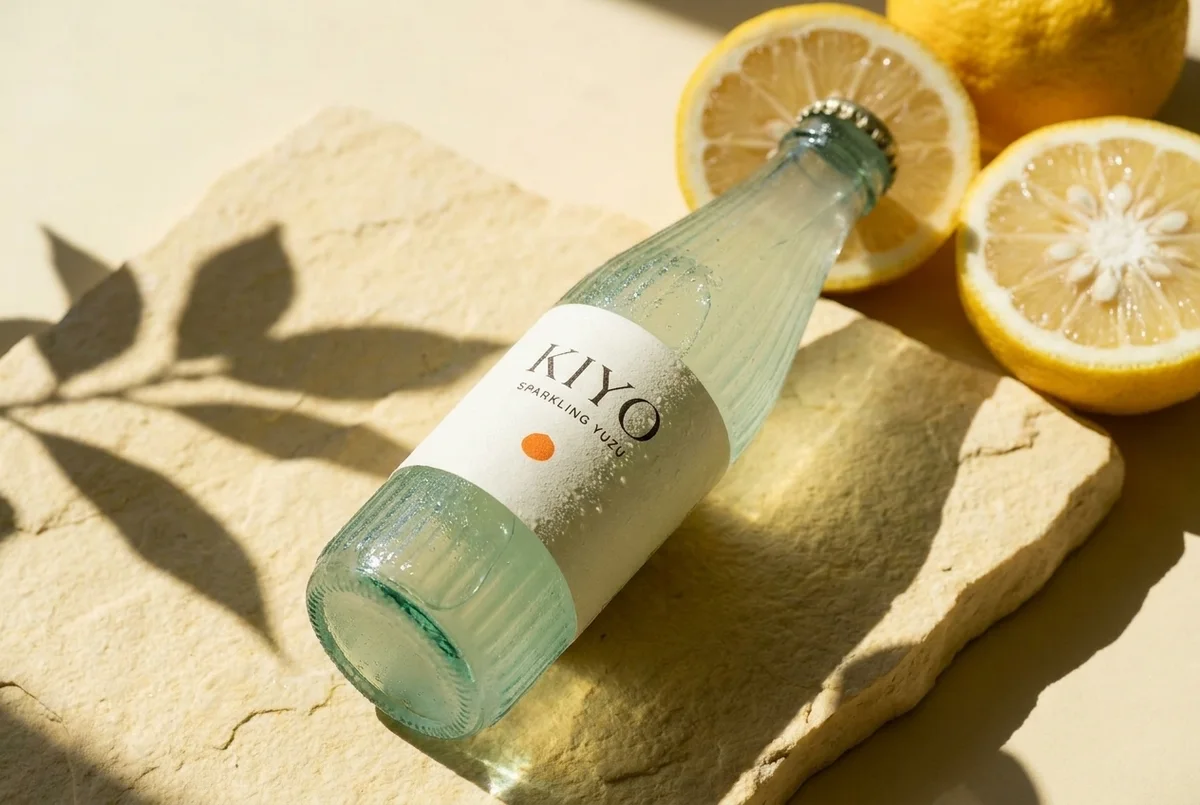
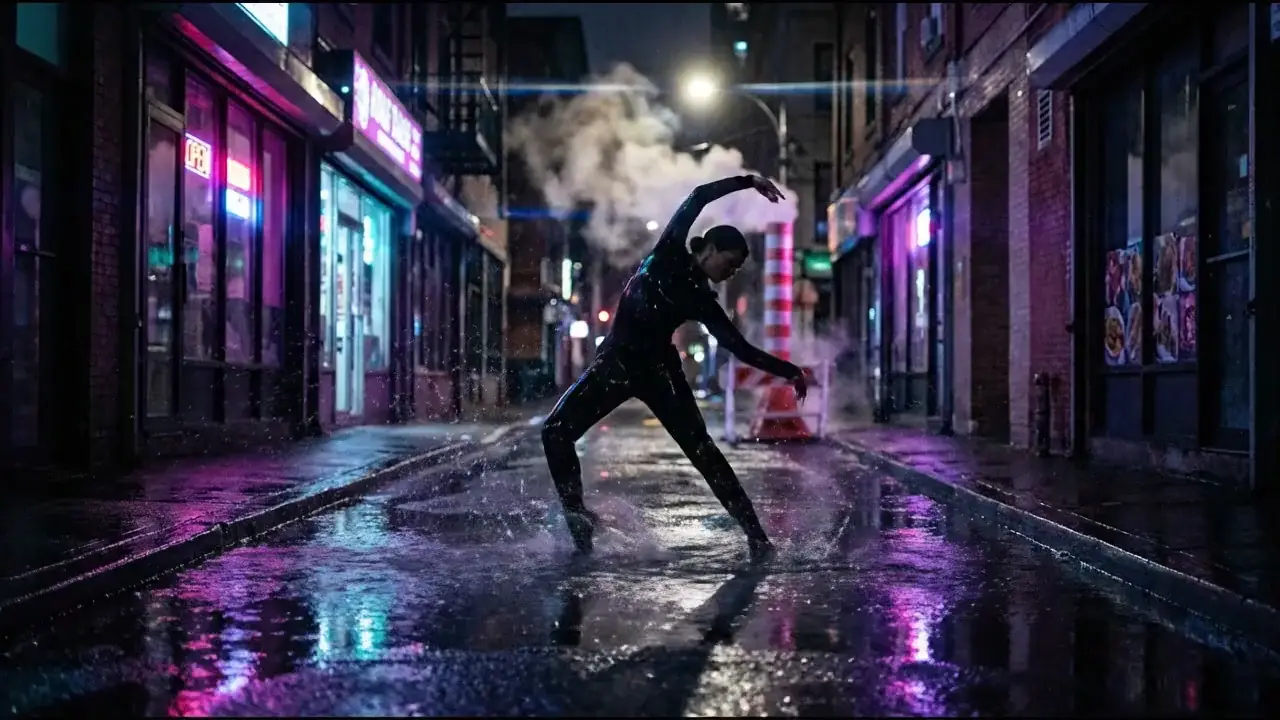
UGC-style product ad
Bring a product photo, audience and offer.save_creation_as, then reuse them with use. Review packaging and likeness before creating the next stage. Voiceover arrives as a separate track for editing.
Launch campaign
Narrated explainer
A week of content
Website with generated media
prepare_scrub_video returns optimized video assets for scroll-driven playback. An agent with code access can implement the page; publish_page can publish a complete HTML document to your ninja.site address after approval.
Consistent game or story assets
Compare before committing
compare_models compares text-to-image models. For an exact product reference, use separate quoted image generations with the same reference instead.
Keep longer jobs reliable
- Use
search_modelsandestimate_costbefore paid work; match the model, count, duration or exact speech script to the quote. - Keep video job IDs and poll
get_generation_statusuntil finished. Resume the existing job after a timeout. - Reuse an
idempotency_keyonly for the same request. Speech requires one. - Save approved image references by name. Recover past media with
search_creationsandget_creation. - Keep a manifest of outputs, costs and remaining work. Scheduling, media assembly and repository edits require capabilities in your agent environment.