> ## Documentation Index
> Fetch the complete documentation index at: https://docs.ninjachat.ai/llms.txt
> Use this file to discover all available pages before exploring further.
# NinjaChat MCP
> Your agent can make images and video. Connect once, then just ask.
Connect any AI agent — Claude, ChatGPT, Cursor, Claude Code — to NinjaChat, and it can create real images and video mid-conversation. One URL:
```text theme={null}
https://www.ninjachat.ai/api/mcp
```
## What it feels like
> "Give me 4 takes on a lighthouse in a storm."
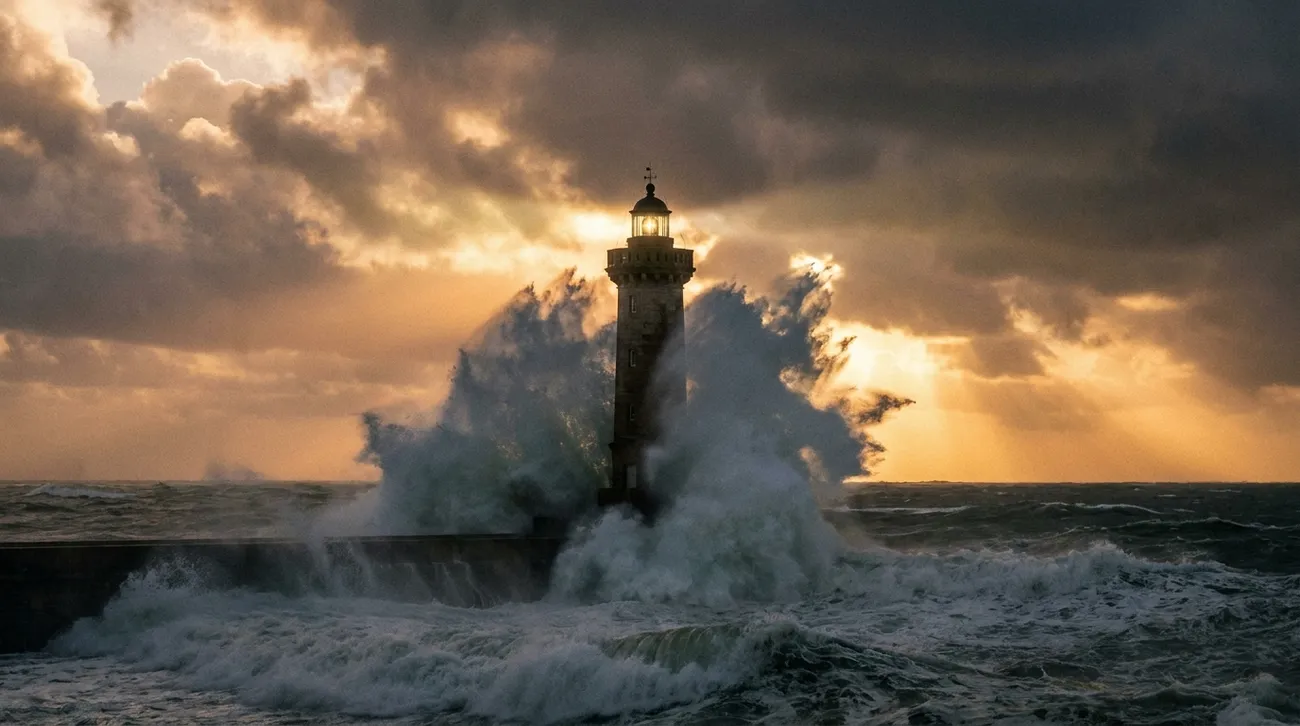
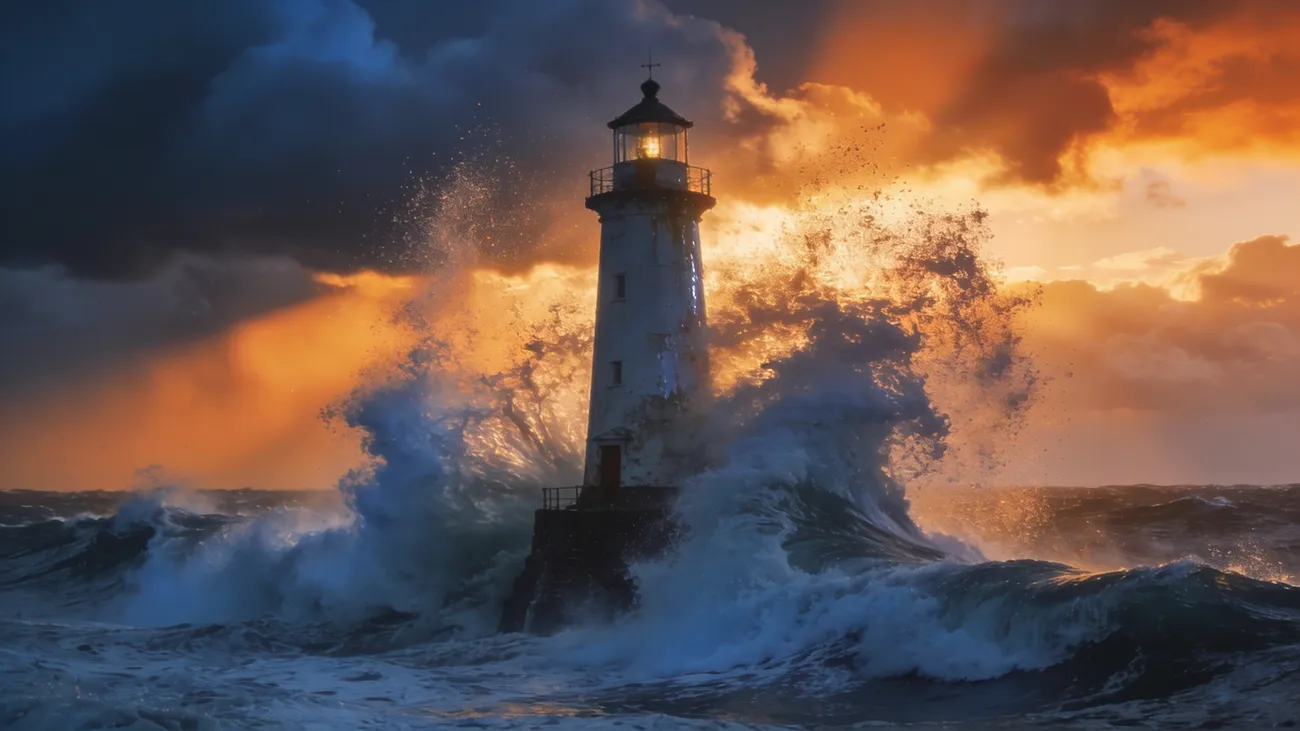
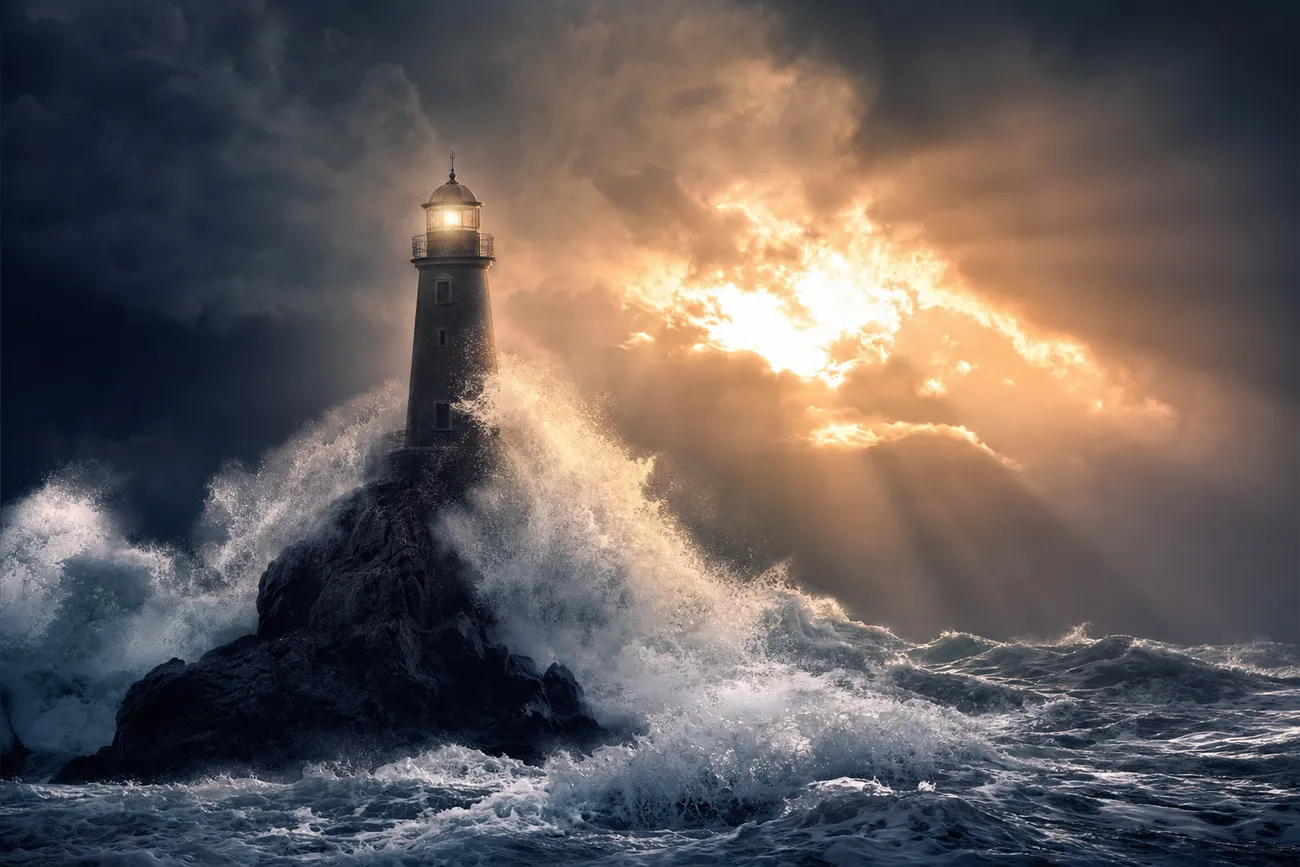
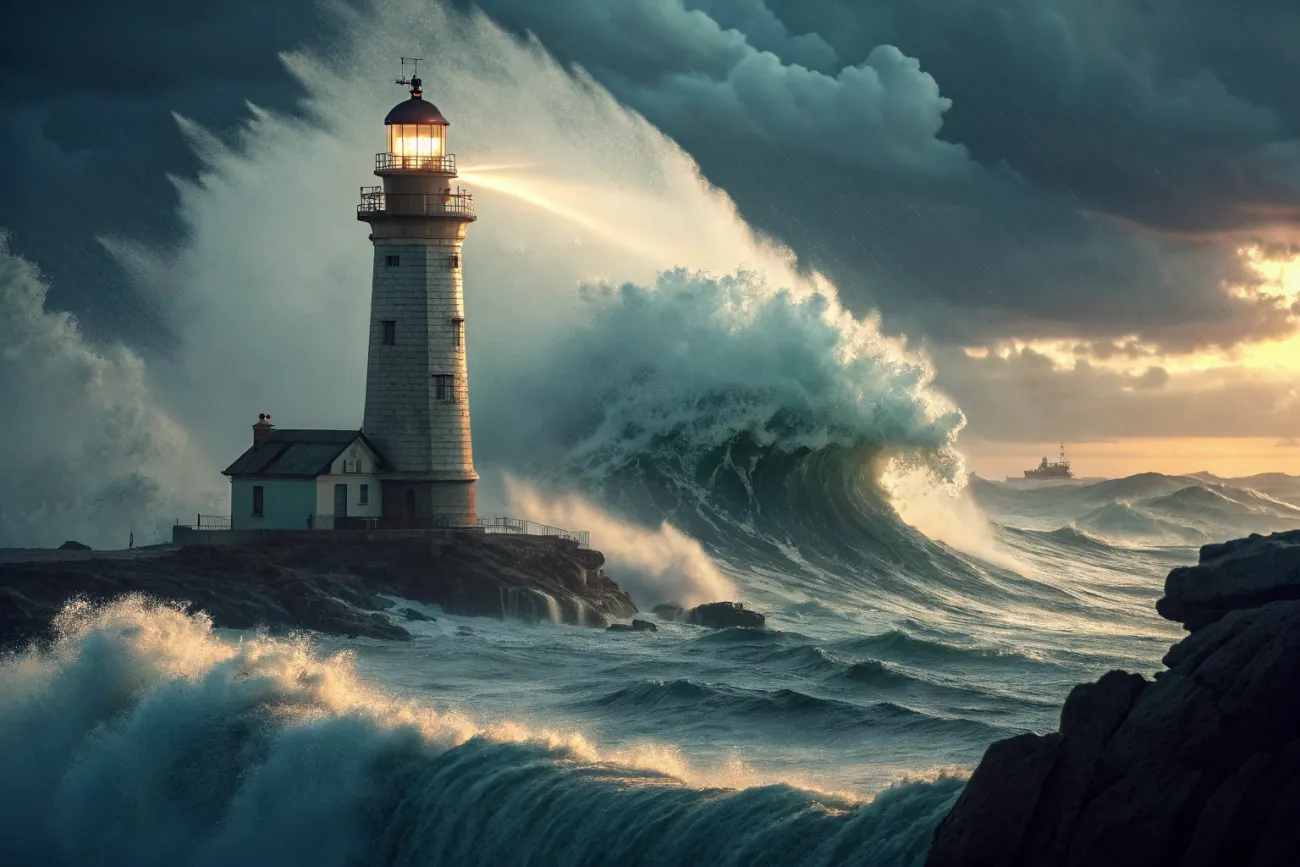 > "I like the second one — make it a video."
## Connect in one minute
Paste the URL, sign in once. No API key.
One config snippet with your `nj_sk_` key.
## Prices you can say out loud
Images **\$0.02–\$0.13** · video **\$1–\$5** · questions, searches, and estimates **free**. Failed jobs refund themselves. [Billing →](/mcp/billing)
## Go deeper
One front-door tool, 16 specialists
Websites, campaigns, product shots
Balance, limits, refunds
> "I like the second one — make it a video."
## Connect in one minute
Paste the URL, sign in once. No API key.
One config snippet with your `nj_sk_` key.
## Prices you can say out loud
Images **\$0.02–\$0.13** · video **\$1–\$5** · questions, searches, and estimates **free**. Failed jobs refund themselves. [Billing →](/mcp/billing)
## Go deeper
One front-door tool, 16 specialists
Websites, campaigns, product shots
Balance, limits, refunds